If These 3 Settings Are ON in Your Phone, Your Data May Be at Risk
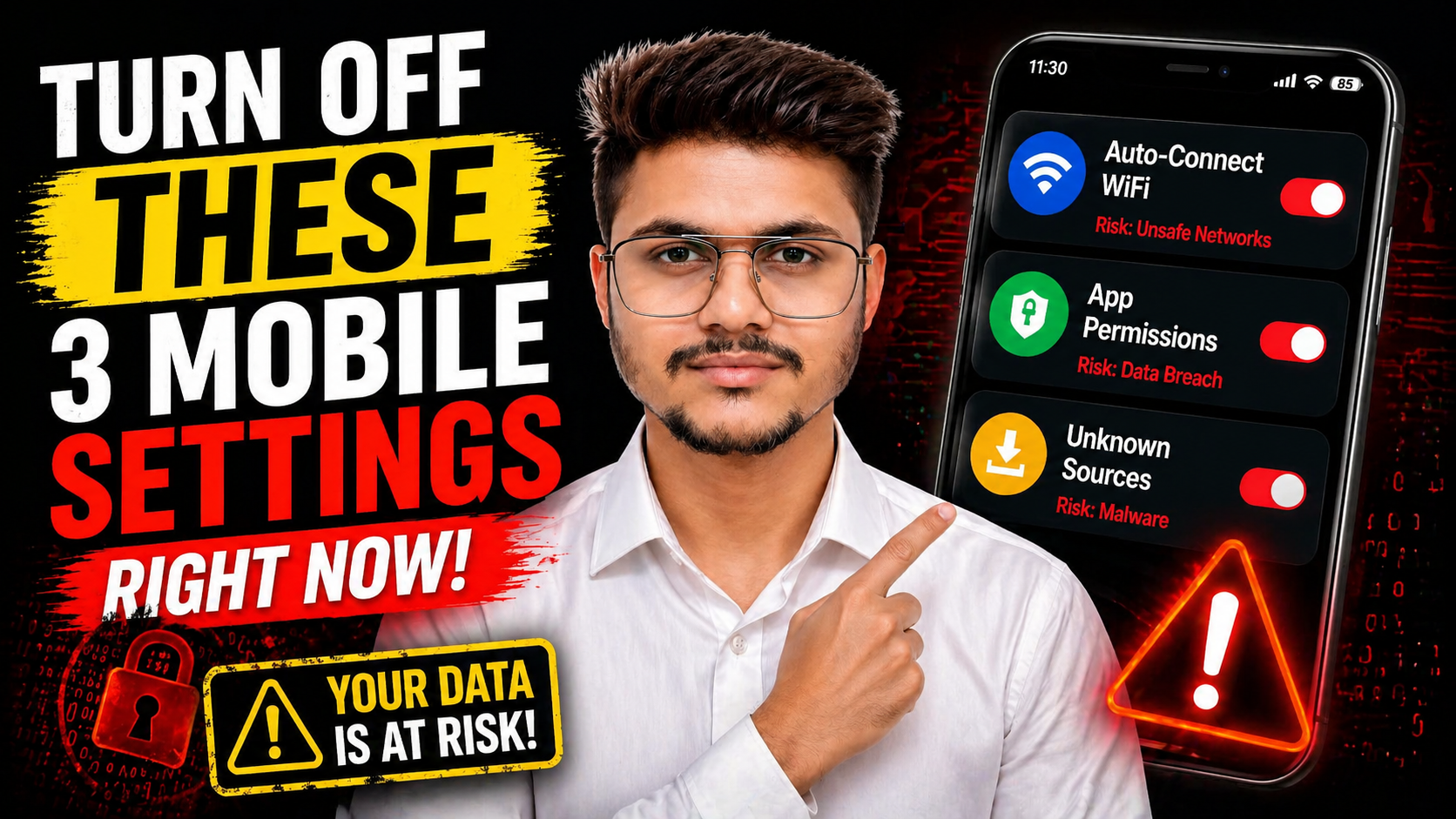
Most people assume their smartphone is secure right out of the box. But in reality, a few hidden settings can quietly expose your data without you even realizing it.
Cyber threats today don’t always require advanced hacking skills. Sometimes, all it takes is a simple setting left enabled on your device.
In this article, we’ll break down three common phone settings that can put your personal data at risk – and what you should do about them.
1. Auto-Connect Wi-Fi: A Silent Entry Point
Auto-connect Wi-Fi is designed for convenience. It allows your phone to automatically connect to available networks without asking you each time.
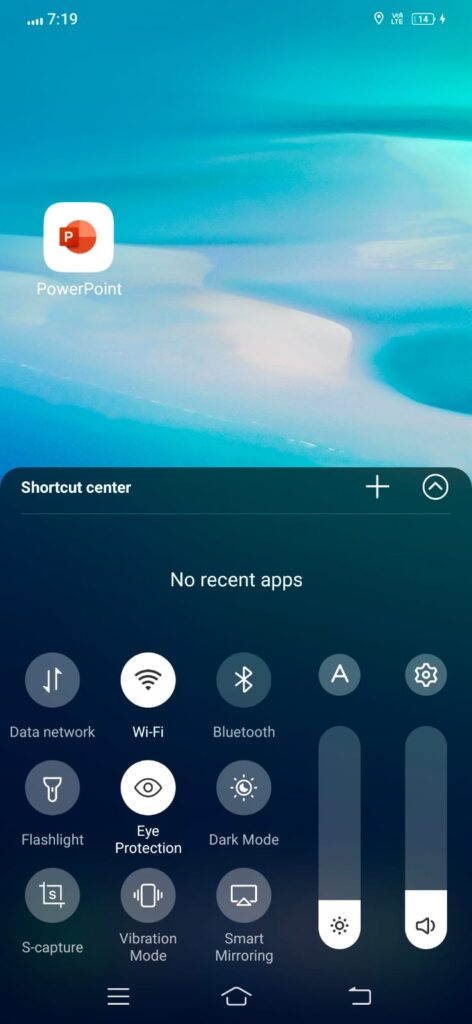
While this may seem useful, it can be dangerous. Your device may connect to unsecured or even fake public networks set up by attackers. These networks are often used in places like cafes, airports, or shopping malls.
Once connected, hackers can:
- Intercept your data
- Monitor your activity
- Attempt to access sensitive information
What You Should Do
Turn off auto-connect Wi-Fi and connect only to trusted networks manually. This simple step can significantly reduce your exposure to public network threats.
2. App Permissions: Hidden Access to Your Data
Many apps request access to features like your camera, microphone, location, and storage. While some permissions are necessary, others are excessive and unnecessary.
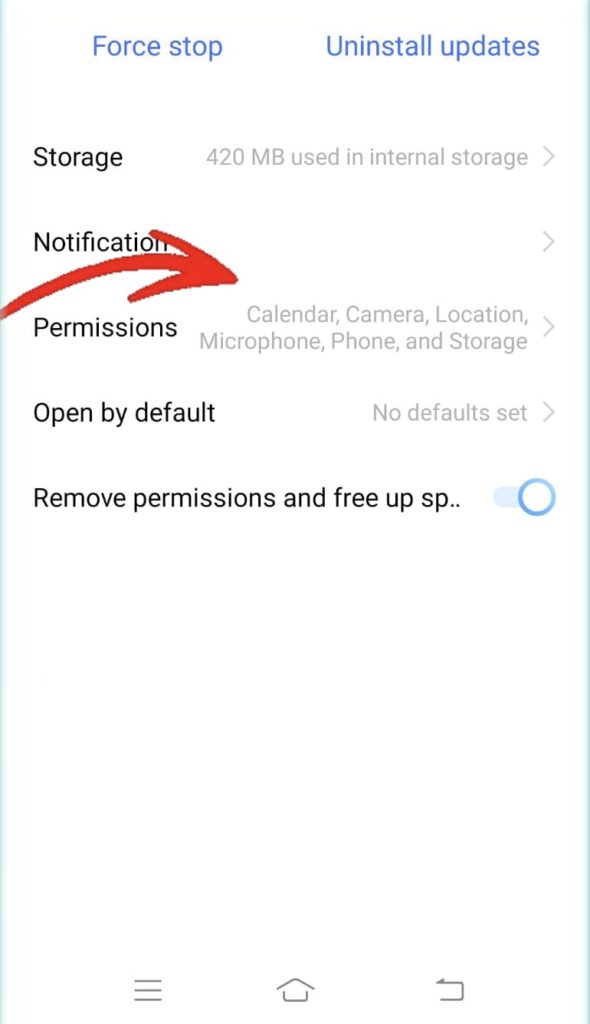
The risk comes when apps continue to access these features in the background without your knowledge. This can lead to privacy violations and potential data misuse.
What You Should Do
Regularly review your app permissions and remove access that is not required. Only allow permissions that are essential for the app’s functionality.
3. Unknown App Installation: A Gateway for Malware
The “Install from Unknown Sources” setting allows apps to be installed from outside official app stores. While it can be useful in certain cases, it also opens the door to serious security risks.
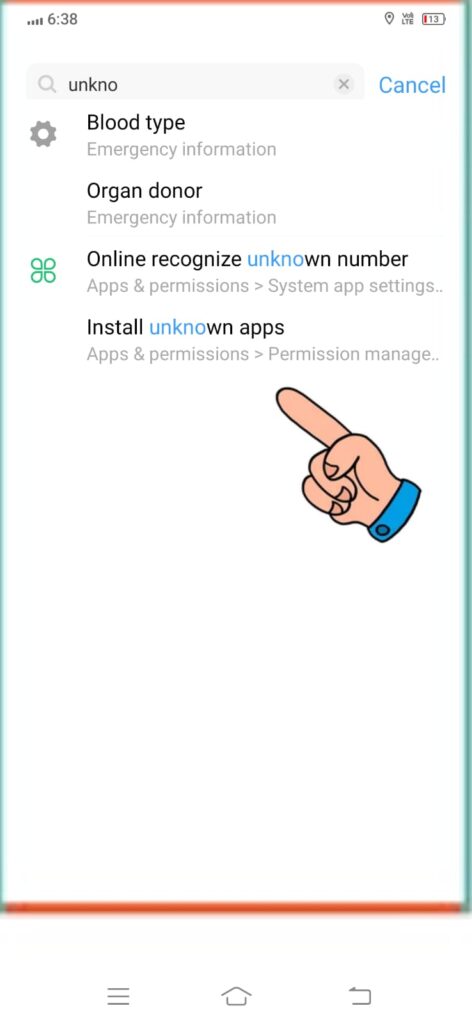
Malicious apps disguised as legitimate software can:
- Steal personal data
- Track your activity
- Infect your device with malware
What You Should Do
Disable this setting unless absolutely necessary. Always download apps from trusted sources like official app stores to ensure safety.
Why These Settings Matter
These settings may seem small, but they can create major vulnerabilities if ignored. Many cyberattacks happen not because of complex hacking techniques, but because basic security practices are overlooked.
Taking control of these settings puts you one step ahead in protecting your digital life.
Final Thoughts
Smartphone security doesn’t always require advanced tools. Sometimes, the most effective protection comes from simple awareness and small changes.
By turning off auto-connect Wi-Fi, managing app permissions, and disabling unknown app installations, you can significantly reduce your risk of being targeted.
Most people ignore these settings until it’s too late. Don’t make that mistake.
Loading newsletter form...