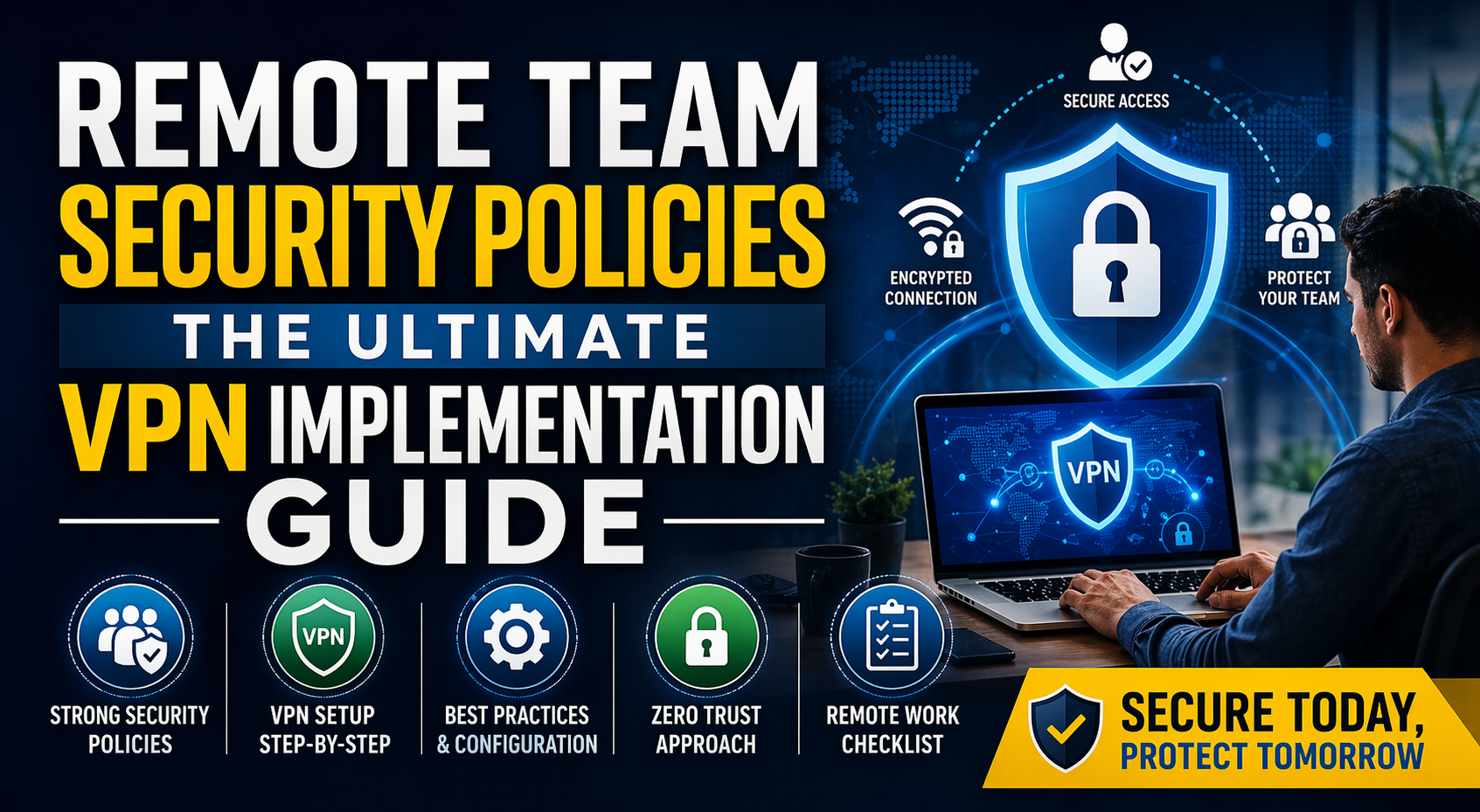
Remote Team Security Policies: The Ultimate VPN Implementation Guide
In the era of distributed workforces, the traditional “office perimeter” has vanished. Employees are now accessing sensitive corporate data from home offices, coffee shops, and co-working spaces. While this flexibility boosts productivity, it also opens the door to sophisticated cyber threats. To protect your organization, a robust Remote Team Security Policy paired with a strategic VPN implementation is no longer optional—it is critical.
1. Why Your Remote Team Needs a Formal Security Policy
A security policy acts as a playbook for your employees. Without clear guidelines, human error remains your biggest vulnerability. Your policy should cover:
- Mandatory Multi-Factor Authentication (MFA): Ensure that passwords alone aren’t enough to access company systems.
- Device Compliance: Define whether employees must use company-issued hardware or if Personal Devices (BYOD) are allowed under strict monitoring.
- Data Handling Procedures: Guidelines on how to store and share sensitive files using encrypted cloud storage rather than local drives.
2. The Role of VPN in Remote Security
A Virtual Private Network (VPN) creates an encrypted “tunnel” between an employee’s device and the company network. It masks the IP address and encrypts data in transit, making it unreadable to hackers on public or unsecured Wi-Fi.
3. Step-by-Step VPN Implementation Guide
Phase 1: Selecting the Right Protocol
Not all VPNs are created equal. For a business environment, prioritize modern protocols:
- WireGuard: The current industry standard for high speed and state-of-the-art cryptography.
- OpenVPN: Highly secure and compatible with almost all operating systems.
- Avoid: Older protocols like PPTP or L2TP, which have known security flaws.
Phase 2: Choosing Between Gateway and Perimeter VPNs
- Client-to-Site VPN: Best for smaller teams where individuals connect directly to a central server.
- Software-Defined Perimeter (SDP): A more modern approach (often called Zero Trust Network Access) that grants access only to specific applications rather than the whole network.
Phase 3: Configuring Split Tunneling
To prevent network lag, implement Split Tunneling. This allows work-related traffic (like CRM or Email) to go through the secure VPN, while low-risk traffic (like a Spotify stream or a Google search) goes through the user’s local internet. This optimizes bandwidth and improves user experience.
Phase 4: Enforcement and Kill Switches
Ensure your VPN client has an automatic “Kill Switch.” If the VPN connection drops for even a second, the Kill Switch instantly cuts the device’s internet access, preventing data from being leaked over an unencrypted connection.
4. Moving Toward a Zero Trust Model
While a VPN is a powerful tool, the future of remote security is Zero Trust. The philosophy is simple: “Never trust, always verify.” Even after a user connects via VPN, their identity and device health should be continuously verified before they can access high-value assets.
Conclusion
Securing a remote team is a continuous journey. By implementing a high-performance VPN and enforcing strict security policies, you significantly reduce the risk of data breaches and ransomware attacks. Start with the basics: encrypt your data, verify your users, and monitor your traffic.
FAQs
Q1: Is a VPN enough to secure a remote team?
A: No. While a VPN encrypts data in transit, you also need Multi-Factor Authentication (MFA), regular software updates, and employee security training to create a complete defense.
Q2: Does a VPN slow down internet speed for employees?
A: It can, but using modern protocols like WireGuard and enabling Split Tunneling minimizes lag by only routing essential work traffic through the encrypted tunnel.
Q3: Can we use a free VPN for business purposes?
A: It is not recommended. Free VPNs often have weak encryption, log your private data, and lack the centralized management tools necessary for team security.
Q4: What is the difference between a VPN and Zero Trust (ZTNA)?
A: A VPN grants access to an entire network once logged in, whereas Zero Trust verifies the user for every single application they try to access, offering much tighter security.
Loading newsletter form...